Best AI Trading Apps for Beginners in 2026: 5 Easy Picks

Alice
November 11, 2026 · 7 min read

Last updated: November 2026 · Reviewed by the RockFlow editorial team
AI trading apps now do more than show quotes. Depending on the app, the AI can explain why a stock moved, scan for chart patterns, score stocks, or help you build and place an order. For beginners, the right choice depends less on how much AI an app has and more on how clearly it explains what it is doing.
In this guide we compare five apps on four things: what the AI actually does, price (as listed in November 2026), who each app suits, and the main limitation of each.
Top 5 AI Trading Apps at a Glance
| App | What the AI does | Price (Nov 2026) | Best for | Main limitation |
|---|---|---|---|---|
| RockFlow (Bobby) | Chat-based assistant: explains market moves, builds back-tested theme portfolios, places orders you request | Free app; 30 days of Bobby access for new users | Beginners who want explanations and trading in one app | US and Hong Kong stocks, ETFs and options |
| Tickeron | Pattern-recognition signals and AI trading agents with published historical stats | Paid subscription | Beginners who already understand trading signals | Signal-heavy; few explanations |
| Streetbeat | AI-assisted portfolio building and financial Q&A | $8–$45/month, billed annually | Hands-off investors | Not built for active trading |
| Trade Ideas | Real-time scanning; Holly AI trade ideas (Premium only) | Free plan with delayed data; Basic $89/month, Premium $178/month (billed annually) | Experienced, active traders | Holly AI only on the top plan; steep learning curve |
| Kavout | AI research agents, InvestGPT chat, AI stock picker | Free; Pro $20/month; Premium $39/month (billed annually) | Stock research and idea discovery | Research tool; no trading |
How we evaluated these apps: we looked at five things: what the AI actually does (research, signals, portfolio building or trade execution), pricing as listed on each app's website in November 2026, who it suits, how transparent it is about risk, and whether it holds or connects to a regulated brokerage account. We did not rank apps by claimed returns.
Best AI Trading Apps for Beginners: Our 5 Picks
1. Bobby AI via RockFlow — Best for Total Beginners
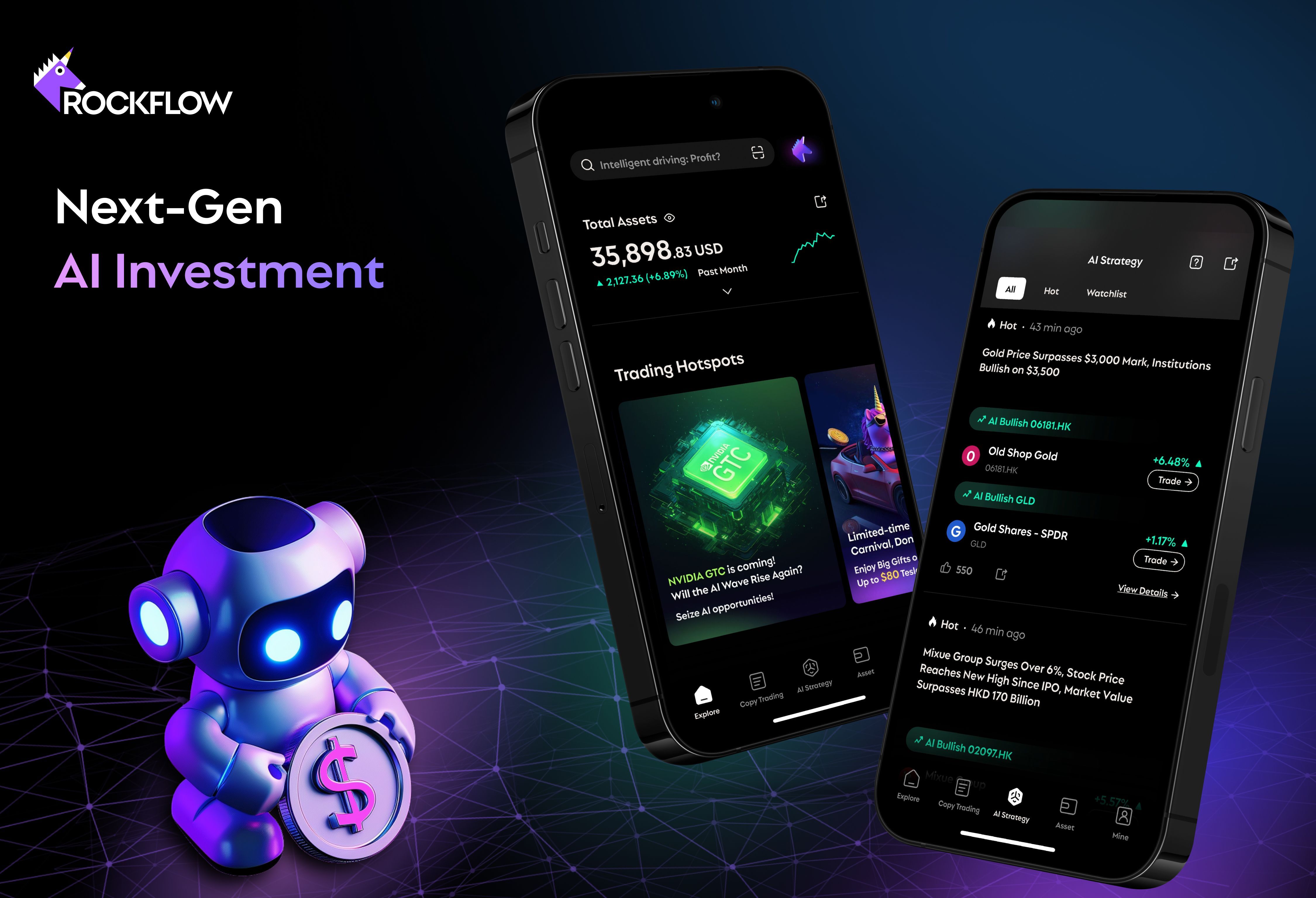
Bobby AI is a 24/7 AI investing assistant that helps you monitor markets, decode trading signals and turn complex news into clear next steps. Through the RockFlow app, you type or say what you want in plain language, and Bobby responds with an explanation, a portfolio idea or an order.
What it can do, as described on RockFlow's product page (November 2026):
- Build a back-tested portfolio from a theme you type, such as "AI chips", which you can copy from $1.
- Design option spreads for hedging and send them to the RockFlow app.
- Place orders from a plain-language request, such as "Buy $100 of Tesla".
- Track your risk level and rebalance its AI portfolios.
Pros
- Plain-language explanations of market moves and stocks you hold.
- Research and trading in one app.
- Fractional investing from $1.
Cons
- Trading covers US and Hong Kong stocks, ETFs and options; other regional exchanges are not offered.
- Bobby's ideas are generated by AI and can be wrong; back-tests reflect past data only.
- Experienced traders may want more charting depth and customization.
New users get 30 days of Bobby access. Try Bobby.
2. Tickeron — Best for AI Signals
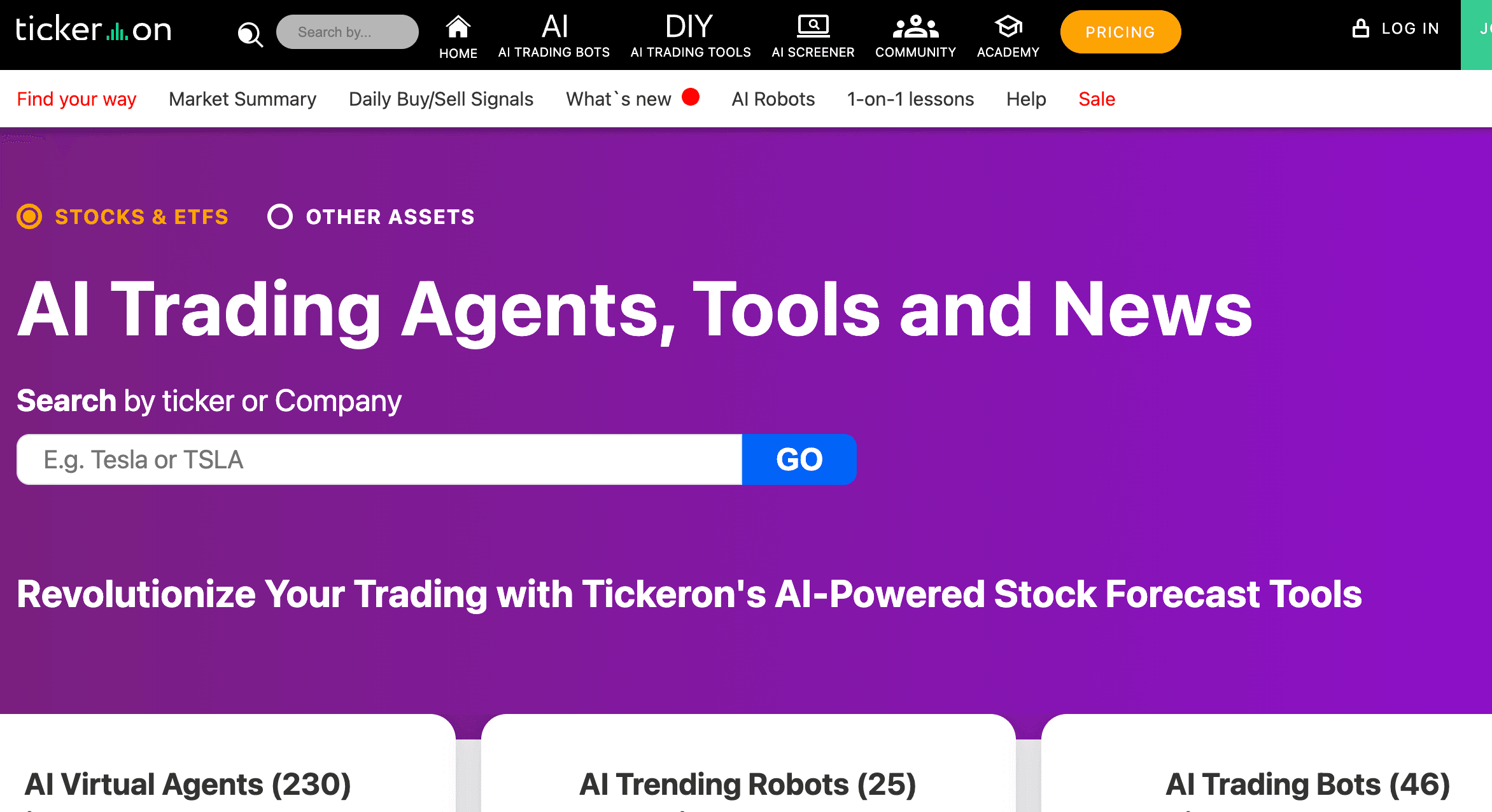
Tickeron uses pattern recognition to flag possible trade setups and offers AI trading agents that publish their historical statistics. It is a paid subscription. Beginners still need to learn how to read a signal before acting on it.
Pros: wide signal coverage; historical stats shown for its AI agents.
Cons: no plain-language guidance for total beginners; historical stats do not guarantee future results.
3. Streetbeat — Best for Hands-Off Investors
Streetbeat focuses on AI-assisted portfolio building rather than active trading. Its plans are billed annually: Basic ($8/month, 3 AI queries a month), Prime ($10/month, 300 queries) and Gold ($45/month, unlimited queries).
Pros: low entry price; suits long-term, portfolio-based investing.
Cons: query limits on lower plans; not designed for fast trading.
4. Trade Ideas — Better for Experienced Traders
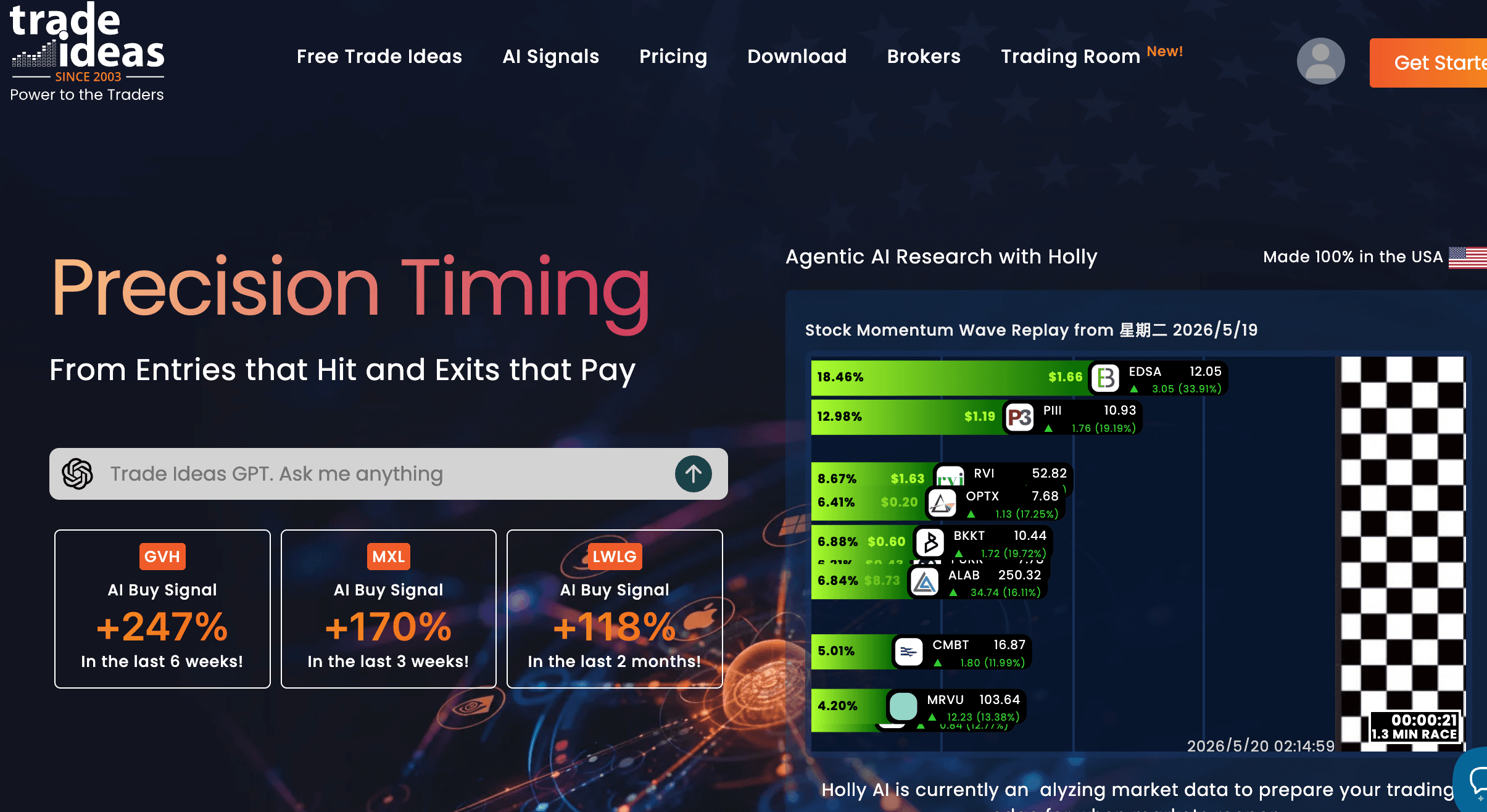
Trade Ideas is a real-time stock scanner built for active traders. Its free Par plan uses delayed data. TI Basic costs $127 a month ($89 billed annually) and TI Premium costs $254 a month ($178 billed annually). Its Holly AI trade ideas and Money Machine are included only in Premium.
Pros: fast scanning; deep alert customization.
Cons: AI features sit on the most expensive plan; too complex for most first-time investors.
5. Kavout — Best for AI Stock Research
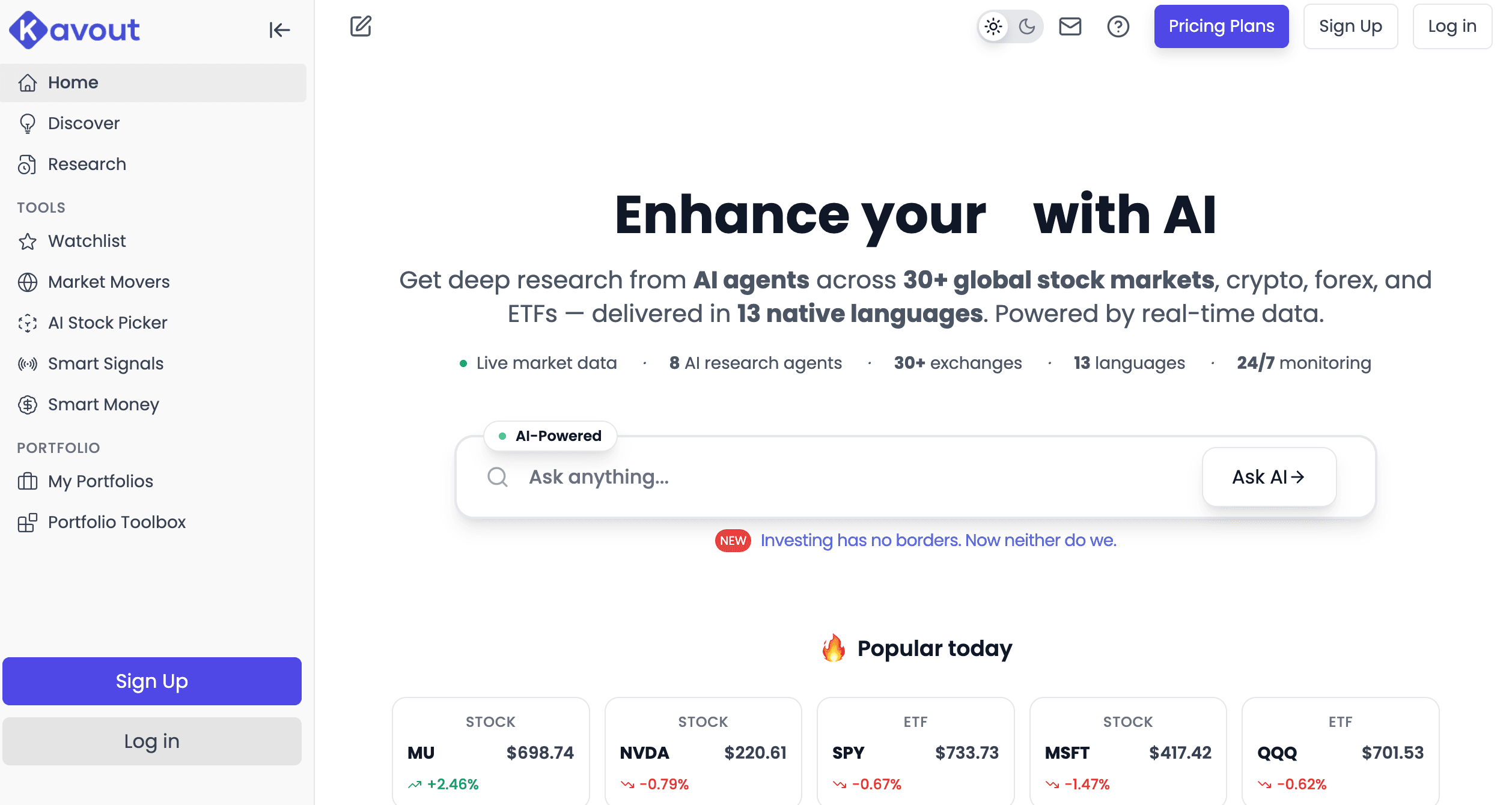
Kavout is a research tool. Its InvestGPT chat answers stock questions, and paid plans add specialized AI research agents (seven on Pro), an AI stock picker and smart-money data such as insider and congressional trades. It has a free plan with 10 research credits a month; Pro is $20 a month ($16 billed annually) and Premium is $39 a month billed annually.
Pros: free tier; broad research coverage across 30+ markets on paid plans.
Cons: no trading; credits run out quickly on the free plan.
Also Worth Knowing: Brokers Adding AI in 2026
- Webull: in August 2026 Webull launched connectors that link a Webull account to ChatGPT, Claude and Grok. Since late September 2026, its AI assistant can prepare orders for US users, who must confirm each trade in the Webull app.
- moomoo: in April 2026 moomoo launched API Skills, which connect your own AI agent to its trading platform. It defaults to paper trading and covers the US, Canada, Hong Kong, Singapore and Japan.
- Robinhood: Robinhood Cortex is an AI assistant for Robinhood Gold members ($5/month). It answers research questions, builds screeners and can draft simple orders that you review and submit.
How to Choose the Right AI Trading App as a Beginner
If you are just starting out, the best AI trading app is usually the one that feels easiest to understand on day one. Look for apps with simple menus, clear explanations, and beginner-friendly guidance. More tools do not always mean an app is easier for first-time users.
Price matters too, but ease of use matters even more if you are starting from zero. Free plans and trials help you test an app before spending money.
Pick the app that matches what you actually want. If you want explanations and trading in one place, an assistant like Bobby fits. If you want more signals and research tools, options like Tickeron or Kavout may fit better.
Before you pay, check three things: whether the app explains its AI output in plain language, what it costs after any trial ends, and whether it lets you test with small amounts or paper trading first.
Investing involves risk, including the possible loss of principal. AI tools can be wrong, and no app can guarantee profits. Past performance does not guarantee future results. Prices and features change; check each provider's website before signing up.
Related Content